
Dedicated Mac mini hosting
Rent a real Mac. Keep your work running.
A dedicated Apple Silicon Mac mini in the cloud, with full admin access, SSH, remote desktop and persistent storage. Give Codex, Claude Code, Xcode and your other tools a Mac you can reach from anywhere.
Choose your monthly Mac
| Dedicated Mac | Memory and storage | Monthly price | Availability |
|---|---|---|---|
| M1 chip | 8GB RAM • 256GB+ storage | $40/month | Sold out — check back |
| M1 chip | 16GB RAM • 256GB+ storage | $85/month | Sold out — check back |
| M2 chip | 8GB RAM • 256GB+ storage | $95/month | Sold out — check back |
| M2 chip | 16GB RAM • 256GB+ storage | $105/month | Sold out — check back |
Prices are in USD per dedicated machine, billed monthly. Stock can change before checkout. Model subscriptions and paid third-party software are separate. Review the final amount and any applicable taxes at checkout.
Your Mac, with the tools already installed
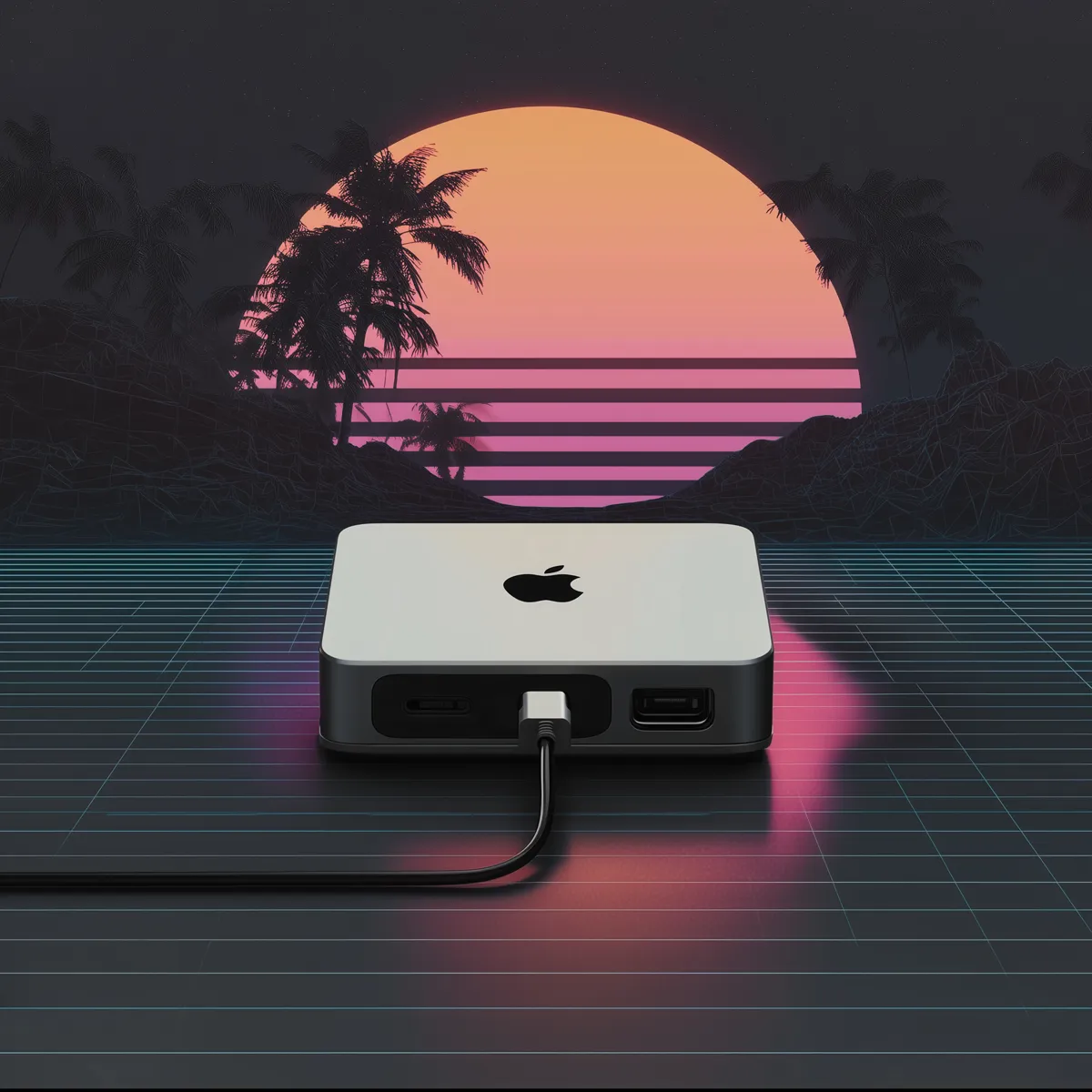
Hyperbox assigns you dedicated Mac mini hardware. You get a macOS desktop and terminal, administrator access to install your software, and files that remain on the machine between connections.
Codex App, Claude Code, Cursor, VS Code, Xcode and Tailscale are installed as part of the workstation setup. Sign in with your own accounts and confirm that the installed macOS and Xcode versions support your project.
From an account to a remote workstation
- Create an account, verify your email and choose an available Mac plan.
- Review the monthly price and complete payment. Availability is confirmed during provisioning.
- Open your dashboard for connection details. Use SSH for terminal work or RustDesk/macOS Screen Sharing for the desktop.
- Install your project dependencies and sign in to your coding tools. Keep long-running work on the hosted Mac while your laptop acts as the controller.
Try the view-only browser demo before buying. The public demo is a shared evaluation environment; your paid workstation has its own access credentials.
Pick the Mac for the work you actually do
- Coding agents: keep repositories, installed dependencies and terminal work on a persistent machine. Follow the remote Codex walkthrough or the Claude Code guide.
- Xcode and iOS: use the real macOS desktop to build, inspect the Simulator and manage your own signing accounts. Confirm toolchain compatibility before committing to a release workflow.
- Desktop automation: give your tools a separate desktop and scoped accounts. Configure permissions, approvals and recovery deliberately.
For lighter terminal workflows, an 8GB machine may be sufficient. Browser-heavy agent runs, multiple projects and iOS Simulators compete for memory; consider a 16GB plan and test a representative workload. A hosted Mac does not increase your model provider’s usage limits.
A dedicated Mac, a VPS, or a build runner?
A Linux VPS suits server-side jobs that do not need macOS. An ephemeral build runner suits clean, repeatable CI tasks. A persistent Mac fits work that depends on Xcode, desktop applications, local files and an environment you revisit.
Hyperbox gives you the workstation; you operate your projects and agents. Long-running tasks still need logs, restart behavior and recovery checks. Keep backups of important data and do not treat a persistent disk as a backup service.
Read the Mac rental checklist →Start with your workflow
Host Codex on a persistent Mac, run Claude Code beside your developer tools, or use Xcode from a Windows computer. Each guide explains what to check before choosing hardware.
Comparing providers? Read the MacinCloud access-model comparison and MacStadium workstation and fleet comparison.